Adobe Premiere Now Lets You Generate Video and Audio Without Leaving Your Edit
A new Generative Media tool brings AI video and sound generators directly into the editing timeline, so professionals can fill gaps and fix audio without switching apps.
Key points
- Adobe is adding a Generative Media tool to Premiere, its professional video editing software, that lets editors create AI-generated clips and audio without leaving the project timeline.
- Editors can choose from five AI video generators inside Premiere: Adobe Firefly, Google Veo, Runway, Luma, and Kling.
- New AI audio tools, currently in beta, can separate overlapping speakers, automatically lower music when someone speaks, and adjust dialogue and ambient sound as independent layers.
- Adobe's AI Assistant, a plain-language command tool, is also coming to After Effects in beta, letting editors rearrange projects and build effects without writing code.
Professional video editors spend a lot of time hunting. Missing a cutaway shot is enough to send you out of your project and into stock libraries, then back again, burning minutes every time. Adobe wants to kill that round-trip entirely.
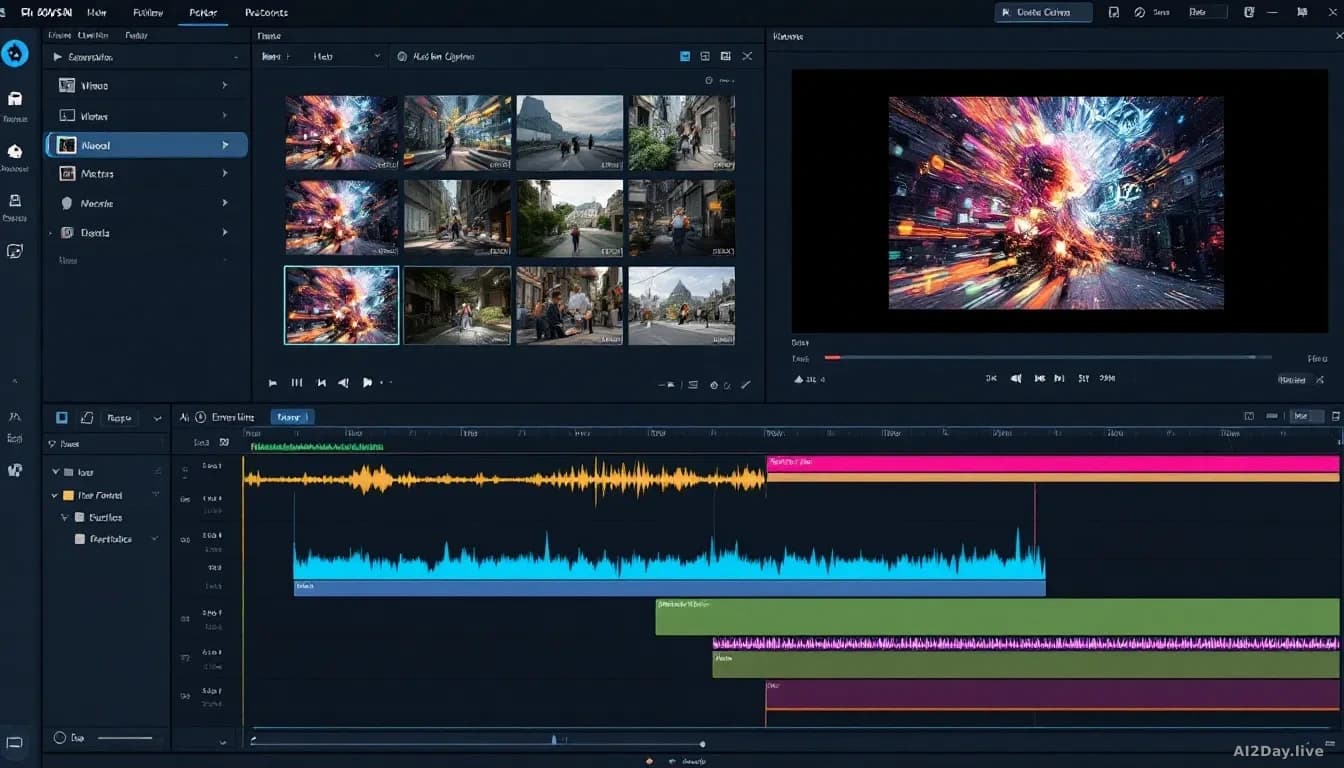
The company is overhauling Premiere Pro, the industry-standard video editing tool used by broadcasters and YouTube creators alike, with a feature called Generative Media. As first reported by The Verge, the tool sits directly inside the editing timeline, the strip where editors arrange their clips and audio. Highlight a gap and Premiere can generate a context-aware clip or sound to fill it, already editable, right there.
We first covered Adobe's broader AI push on 27 August 2026, when Photoshop gained a dedicated AI toolbar, and this move suggests the same integration logic is now rolling across the whole Creative Cloud suite.
What can it actually generate?
Generative Media covers video, sound effects, music, and soundscapes. Editors pick the AI model that best fits the job.
Rather than locking editors into one generator, Adobe is offering five:
| Model | Made by |
|---|---|
| Firefly | Adobe |
| Veo | |
| Runway | Runway AI |
| Luma | Luma AI |
| Kling | Kuaishou |
Different models produce different visual styles, so editors working on a gritty documentary might favour one while someone cutting a slick commercial might prefer another. They don't have to leave Premiere to find out.
What does this mean for editors' day-to-day work?
Every time an editor breaks out of their timeline to search an external app, they lose momentum. Generative Media removes that interruption.
Adobe is also adding new AI audio tools, currently in beta (meaning available for testing but not yet fully finished). They can separate the voices of people who were all talking at once during a recording, automatically lower background music whenever someone speaks so dialogue stays clear, and let editors treat conversation and ambient sound as separate layers rather than one tangled mix.
Meanwhile, After Effects, Adobe's motion-graphics software, is getting the AI Assistant that Premiere already has. Editors can type plain instructions like "move this layer to the top" or "add a blur effect" instead of manually writing scripted expressions, the short pieces of code After Effects normally requires for complex tasks.
Should working editors be worried?
These tools generate filler material, not the creative decisions at the heart of editing. A generator can drop in a plausible street scene; it can't decide whether the cut should happen on the actor's eye movement or the beat of the music.
Survivorship bias is worth naming here. Early demos of AI tools always show the clean successes. Real-world results vary, especially on stylistically specific projects where generic AI output looks obviously out of place.
Treat Generative Media as a way to stop wasting time on the boring parts so you can spend more energy on the craft.
Common questions
Do editors need a subscription to use these features?
Generative Media sits within Premiere Pro, which requires an Adobe Creative Cloud subscription. Adobe hasn't published separate pricing for Generative Media access.
Are the generated clips royalty-free to use commercially?
Adobe states that content generated through its Firefly model is designed for commercial use, but terms for third-party models like Veo and Runway may differ. Check each provider's licence before publishing.