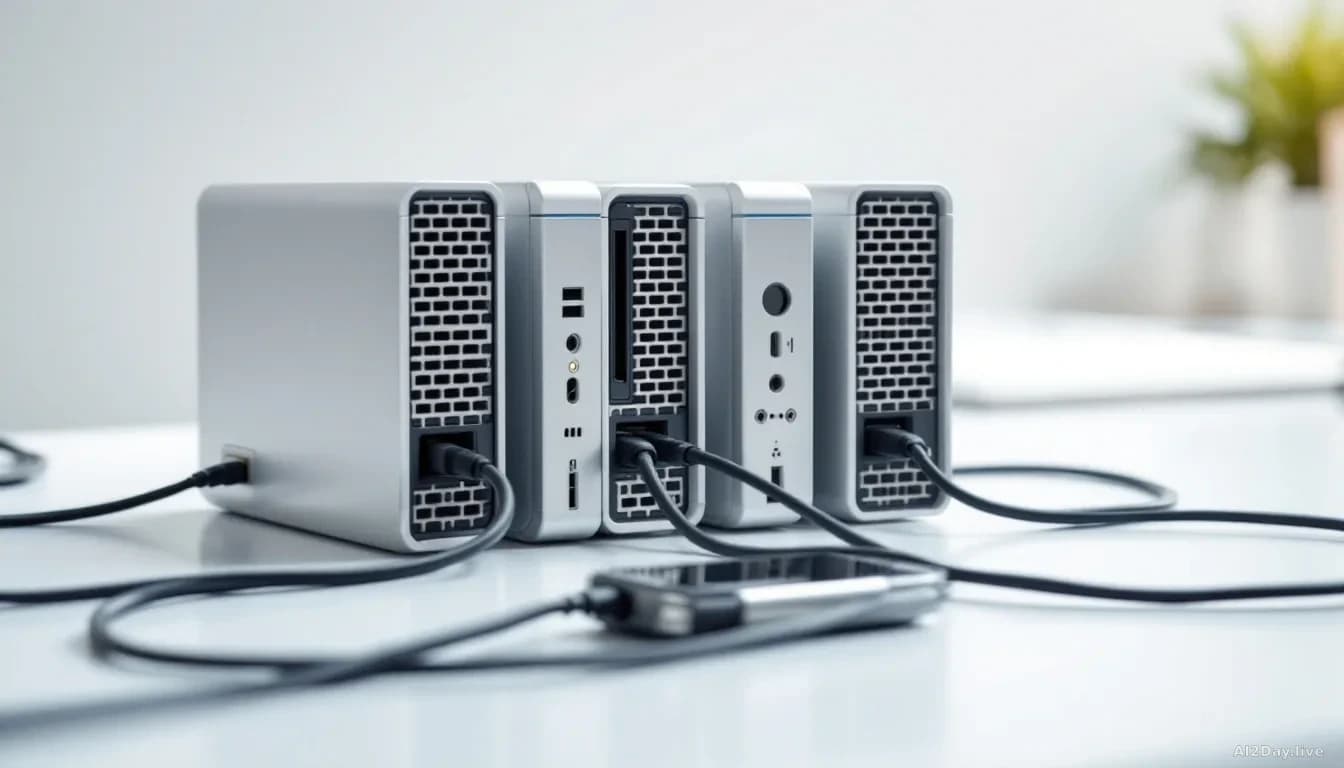
Nvidia's Free PAIR Software Lets Every PC in Your Home Share the AI Workload
A new tool from Nvidia pools the spare computing power sitting idle across your laptops, gaming rigs, and even a MacBook into one shared AI system, no new hardware required.
Key points
- Nvidia released a free, open-source software tool called PAIR (Personal AI Router) in beta on Windows and Linux, with macOS support also included.
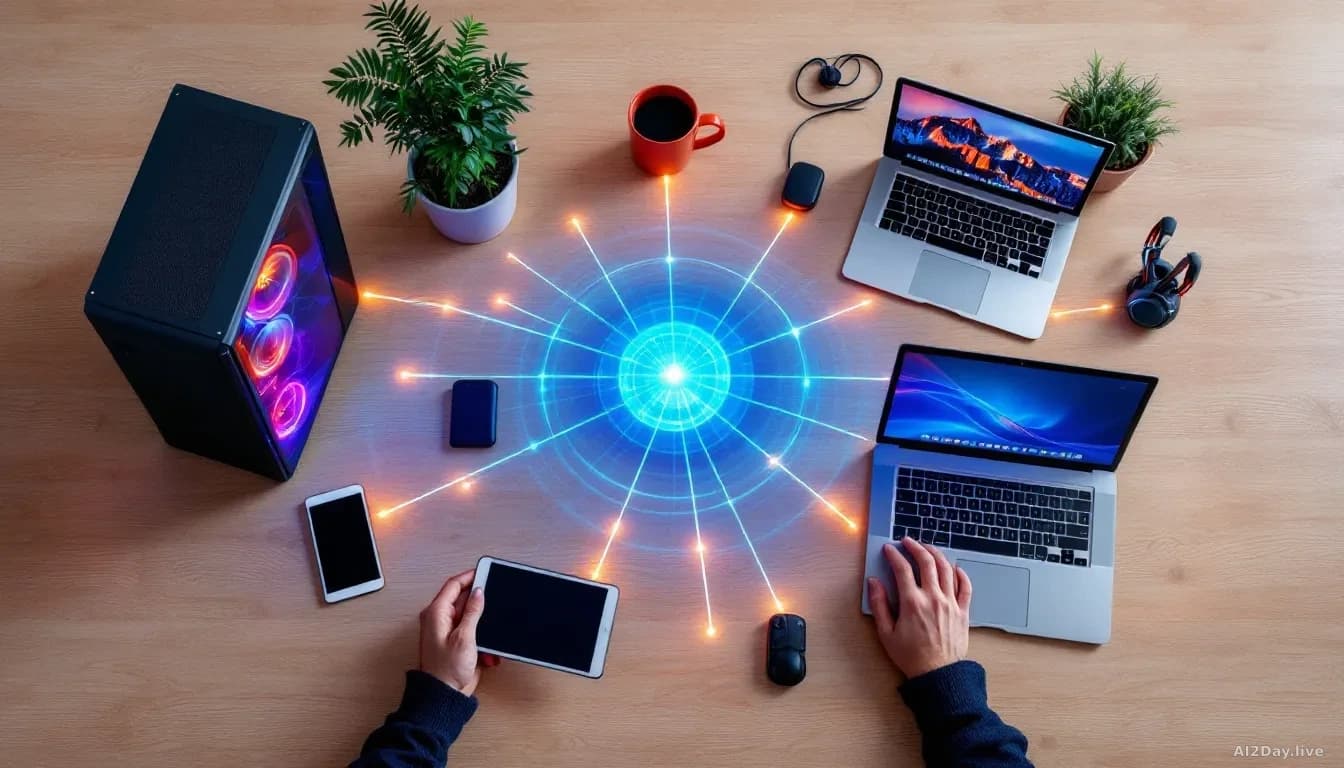
- PAIR links computers on a home network so they share AI processing tasks, using spare capacity only when each machine is idle.
- Compatible devices include Nvidia GeForce RTX graphics cards from the RTX 20-series onwards, plus Apple M4 chips or newer.
- Nvidia estimates a well-equipped household could have roughly 165 teraflops, a measure of raw computing speed, of untapped processing power sitting dormant.
- Three AI agent apps, Perplexity Portable Computer, Hermes Agent and OpenClaw, are also getting simplified one-click setup for local use on Nvidia hardware.
Your gaming PC sits idle most of the day, your laptop charges on the kitchen counter, and your partner's MacBook is asleep on the sofa. Nvidia now wants all of those machines to quietly cooperate on AI tasks while nobody's using them.
The company announced PAIR (Personal AI Router) this week: a free software tool that discovers computers on your home network, connects them, and turns their spare graphics-card capacity into a shared AI processing pool. Reported first by The Verge AI, it works with local AI apps like Ollama and LM Studio, which let people run AI chatbots on their own hardware instead of sending data to a cloud server. We've followed Nvidia's push to make the home PC a serious AI platform since July, and PAIR is the clearest sign yet that Nvidia's answer to AI democratisation isn't a new chip, it's software that makes the hardware you already own work together.
What does PAIR actually do?
PAIR's software, not a physical device. Once installed, it runs in the background and hands AI processing jobs to whichever machine has spare capacity. Start a game and PAIR moves the work to another computer. A device drops off the network and the rest carry on.
That flexibility matters because local AI tasks can choke a single machine. Agentic workflows, where AI software breaks a big job into sequential smaller steps, can easily overwhelm one graphics card. Spreading the load keeps things moving.
Nvidia product manager Seth Schneider offered press a hypothetical family: two adults with high-end laptops, a teenager with a gaming desktop, a child with a MacBook Pro. That household, Schneider estimated, holds about 165 teraflops of unused computing power. "It's truly a treasure trove of free tokens just sitting in homes today," he said, even accounting for electricity costs.
Is it safe to link all your computers together?
Security works through a six-digit pairing code, like pairing a Bluetooth device. After that, communication travels over an encrypted channel using mTLS (Mutual Transport Layer Security), a standard where each machine verifies the other's identity before sharing anything. Your AI traffic stays inside your home.
Who is this actually for?
Someone with one laptop and one gaming PC is Nvidia's realistic target, not a five-device household. Schneider said as much when pressed. Compatible hardware covers RTX 20-series cards and newer, RTX Pro and DGX Spark professional systems, and Apple silicon from M4 onwards.
Alongside PAIR, Nvidia says those three agent apps will arrive with one-click local setup on Windows, cutting the manual configuration they previously required.
The honest judgement here: the 165-teraflop figure is an extreme scenario Nvidia itself walked back when asked. The real story is simpler and more useful. If you've got a gaming PC and a laptop gathering dust, you can now run a more capable local AI setup without buying anything. That's worth paying attention to.