Google's Five New Android Features: Motion Sickness Help, a Blind-User Guide, and Smarter Item Tracking
Android 17 gets a screen overlay that fights travel nausea, a camera-and-AI tool for blind users, and a way to tell your phone where you left your passport. Here is what each update actually does.
Key points
- Google announced five new Android features on Tuesday, covering motion sickness, accessibility, item tracking, and messaging.
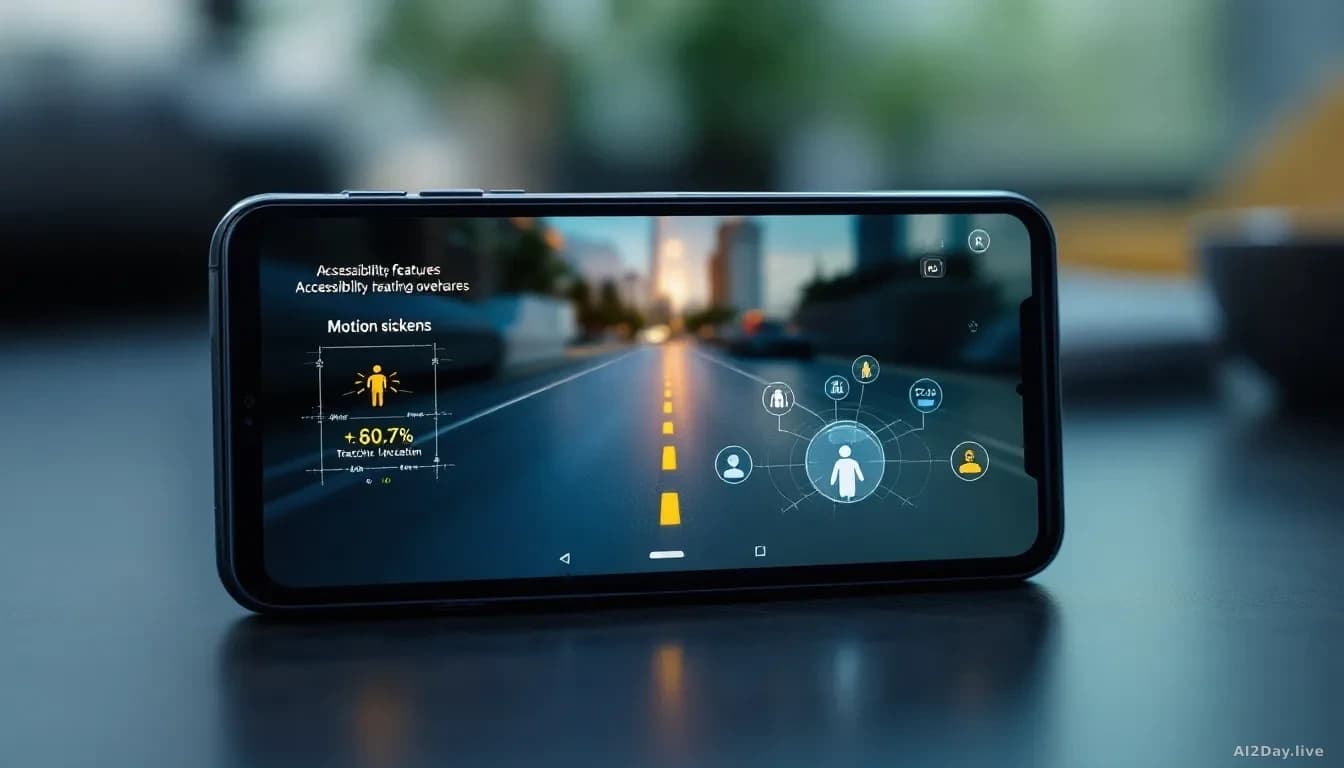
- Motion Assist, available on Android 17, adds a moving bubble overlay to reduce nausea when using a phone in a car or bus.
- Guided Vision, coming to Android 9 and newer, uses the phone camera with Gemini, Google's AI model, to help blind and low-vision users read labels and identify objects.
- A new remembered items section in Find Hub lets users tell Gemini, via voice, where they stored something like a passport or spare key.
- Google Messages gains Google Keep note-sharing and custom chat backgrounds, features iPhone users have had for roughly a year.
Google rolled out five Android updates on Tuesday, from a nausea-reduction tool to smarter ways to track your belongings. The updates were first reported by TechCrunch. Some catch Android up to features Apple already offers. Others use Gemini in ways Apple hasn't shipped yet.
What does each new feature actually do?
Here's a quick look at all five, side by side.
| Feature | What it does | Available on |
|---|---|---|
| Motion Assist | Moving bubble overlay reduces travel nausea | Android 17 |
| Guided Vision | Camera plus AI reads text and identifies objects for blind users | Android 9 and newer |
| Remembered Items | Tell Gemini where you stored something; it saves the location | Android with Find Hub |
| Google Keep in Messages | Share and edit lists inside a chat | Google Messages |
| Chat Customisation | Custom backgrounds, photos and colours per conversation | Google Messages |
Motion Assist is probably the most practical addition for everyday users. If you've ever felt queasy scrolling your phone on a bumpy train, this is aimed squarely at you. It places a small bubble on screen that drifts as the vehicle moves, giving your eyes a visual reference that matches what your body feels. You can set it to activate automatically, add it to Quick Settings, and adjust the bubble's shape, colour and transparency. Apple introduced a similar feature called Vehicle Motion Cues in 2024, using animated dots along the screen edges rather than a bubble.
Guided Vision is the update with the most genuine reach. It pairs the phone's camera with Gemini to narrate the world for people who are blind or have low vision. Point it at a food label in tiny print and it reads the text aloud. Hold it up in a dim restaurant and it describes the menu. If the phone isn't aimed correctly, the feature gives spoken directions: "pan left" or "centre the object." It rolls out to Android 9 and newer, which covers most devices sold in the past six years, wherever Gemini is available. We reported on Google's parallel work to bring ASL dictation to Pixel phones in our 12 August story, and Guided Vision suggests accessibility is now a genuine product priority rather than an afterthought.
Remembered Items is a quieter but handy addition to Find Hub, Google's device-tracking app. Tell Gemini "I put my passport in the top bedroom drawer" and it stores that note, with an optional photo, for later retrieval.
What does this mean for ordinary Android users?
Most of these features arrive without any extra cost. Motion Assist requires Android 17, currently in developer preview and due on most flagship phones later this year. Guided Vision works on hardware going back to 2015.
The honest caveat: Guided Vision depends on Gemini working reliably, and AI tools can stumble on unusual fonts or cluttered backgrounds. Treat it as a helpful assistant, not a perfect reader.
The judgement worth making here is that Gemini is doing real work in two of these five features. That's not a marketing claim; it's a structural shift in what a software update can add to a phone that's already in your pocket.
One doable step: If you struggle with motion sickness on the commute, check your Android version this autumn. If you're already on Android 17, look for Motion Assist in Quick Settings before your next long journey.