Google launches an AI image tool for Workspace, you describe what you want, it builds it
Google Pics is coming to Docs and Slides now, with Drive to follow. It is not Canva. It is not Photoshop. It is a prompt-and-get tool, and that distinction matters.
Key points
- Google announced Google Pics, a new AI image creation and editing tool, rolling out to most Google Workspace business customers over the coming weeks.
- The tool runs on Google's Nano Banana image generation model and is included with Google AI Pro and Ultra subscriptions.
- Google Pics launches first inside Google Docs and Slides, with Google Drive support planned for a later date.
- Unlike Canva, Google Pics has no marketplace where artists can sell templates or earn royalties.
- Users can generate multiple versions of a requested image, edit objects inside pictures, and translate text within images.
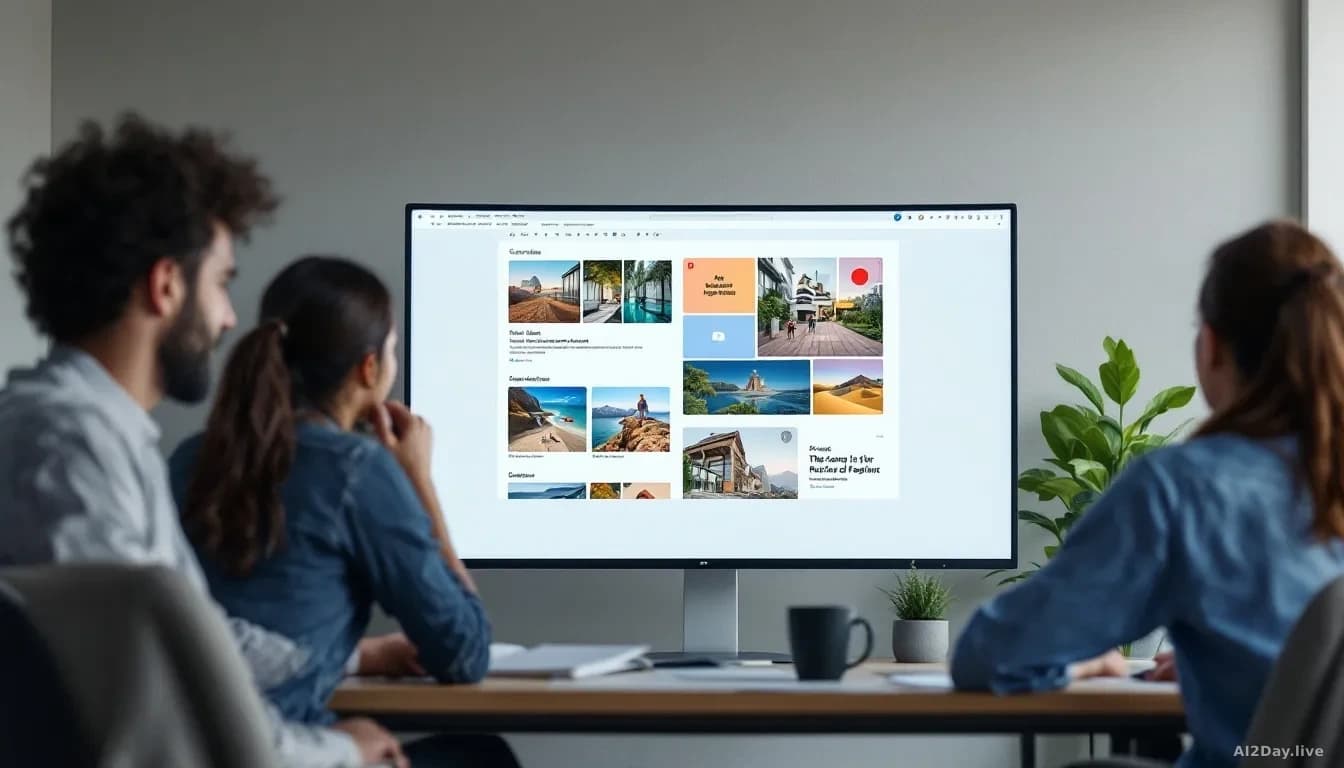
Google is building a design tool into the software millions of people already use for work. It's called Google Pics, and it slots into the Google Workspace suite, the bundle of business apps that includes Docs, Sheets, Gmail, and Slides.
The tool is available to most Workspace business customers and to anyone paying for Google AI Pro or Ultra, the company's premium subscription tiers. It starts rolling out today inside Docs and Slides. Google Drive support comes later.
What does Google Pics actually do?
You type a description, and it makes an image. Behind it sits Google's Nano Banana image generation model, an AI system trained to turn written prompts into pictures. We've followed Nano Banana since our first report on 14 July 2026, and this is its most visible consumer deployment yet.
The comparison point most people reach for is Canva, the popular design platform used by small businesses and social-media managers. Google Pics covers similar ground: posters, social posts, illustrations, visuals for presentations. But the two tools work differently in a way that matters.
Canva is a design canvas. You drag, drop and arrange. Artists and photographers can sell their templates and graphics on Canva's marketplace and earn royalties. Google Pics offers none of that. You describe what you want, the AI produces it, and you choose from several generated versions.
Adobe Express sits closer to Canva on that spectrum: it's a place to build something from scratch. Google Pics isn't that either.
What editing tools come with it?
Beyond image generation, the tool includes a set of editing features. You can isolate a single object inside a photo and transform it, modify text that appears within an image, or translate that text into another language. Collaborative editing is supported, so colleagues can work on the same image together.
The ability to generate several versions of the same request is useful in practice. Ask for one thing, get a handful of options, pick the one that fits.
Should artists and creators be concerned?
That question won't go away. Google Pics creates images using a model trained on existing artwork and photographs, much of it made by the people whose livelihoods tools like this affect. There's no artist marketplace here, no royalty mechanism, no credit system. Google hasn't detailed whose work trained Nano Banana or how consent was handled.
For ordinary users at a desk with a half-finished slide deck and no designer available, Google Pics solves a real, small problem. For the broader creative community, it's one more AI tool built on their work without a clear return to them. That gap between convenience and cost isn't getting narrower.
If your organisation uses Google Workspace, this tool may already be on its way to your apps without a formal announcement.