Amazon's Alexa Can Now Tell You If That Suspicious Text or Call Really Came From Amazon
A new scam-detection tool lets shoppers ask Alexa for Shopping to check whether a message, text, or phone call is genuine before they act on it.
Key points
- Amazon added a scam-verification feature to Alexa for Shopping in 2025 that checks whether messages or calls actually came from the company.
- The tool compares a message against a record of every communication Amazon has sent, then checks its formatting and contents.
- Alexa for Shopping will only confirm a message is real if it's completely certain, according to Amazon.
- If the tool can't confirm a message is genuine, it tells the customer to check their orders in the Amazon app and contact support directly.
- Amazon launched a similar email-forwarding tool earlier in 2025, letting customers send suspicious emails to verify@amazon.com.
A text arrives claiming to be from Amazon: your package is held, click here to pay a fee. Until now, most people had to guess whether it was real.
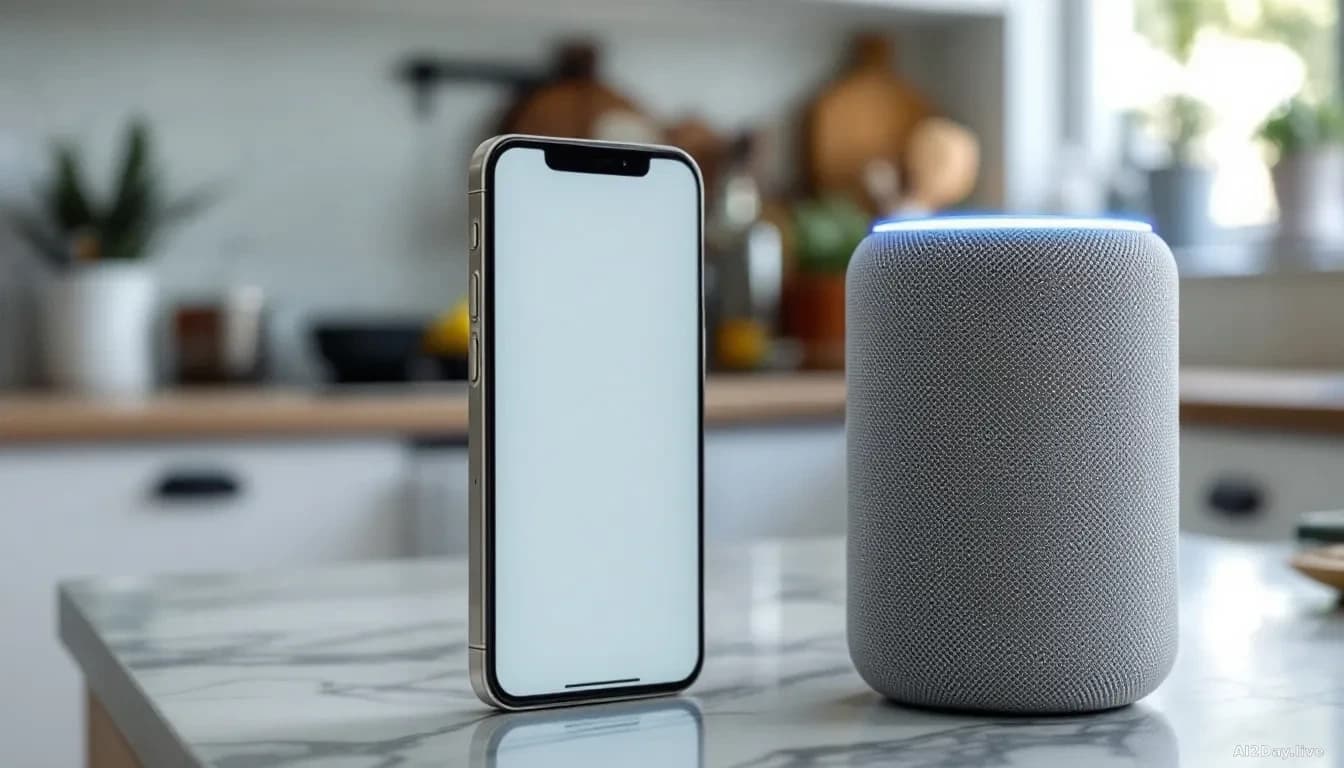
Amazon has built a direct answer into Alexa for Shopping, its AI shopping assistant available through the Amazon app and Echo devices. Describe a suspicious message and ask whether Amazon actually sent it.
How does the check actually work?
The tool cross-references your description against a complete record of every message Amazon has sent, then analyses the content, formatting, and sender. It'll only confirm a message is real if it's completely certain.
Amazon demonstrated one example: a customer asks, "Did Amazon just text me an OTP from 98626? Message came around 4:50pm." An OTP, or one-time password, is a short code a company sends to confirm your identity when you log in or make an account change. Alexa for Shopping replies: "This was a genuine One Time Password from Amazon."
When the tool can't confirm a message, it doesn't leave you without options. It tells you to check your orders inside the Amazon app and to reach Amazon's official support team directly, rather than touching anything in the message you received.
What if I already got a suspicious email?
You've got a second route that skips Alexa entirely. Amazon launched a parallel tool earlier in 2025 that lets you forward any suspect email to verify@amazon.com; Amazon checks it and replies. The Alexa route is faster for texts and calls.
Impersonation scams, where a criminal pretends to be a trusted company to steal your password or payment details, cost consumers billions every year. Amazon is among the most impersonated brands, so a built-in checker is genuinely useful rather than cosmetic. Our 1 September story on Alexa's new "Update Me When" alerts noted that Amazon is leaning hard on Alexa for Shopping as its main consumer touchpoint, which makes this security layer more consequential: the more transactions flow through the assistant, the more valuable it becomes as an impersonation target.
First reported by The Verge, the feature is rolling out now. If something claiming to be from Amazon asks you to click a link or hand over a code, ask Alexa first. Still unsure? Open the Amazon app directly and ignore any number or link in the original message.
Common questions
Does this tool work on phone calls claiming to be from Amazon?
Yes. You can describe a phone call to Alexa for Shopping and ask whether Amazon made it. The same verification process applies.
What should I do if Alexa says a message is not from Amazon?
Don't click any links or call any numbers in it. Open the Amazon app yourself and contact Amazon support through the app or the official amazon.com website.