Google Vids Now Turns Text and Selfies Into Finished Videos
Google's video app can now generate clips from a sentence and put a digital double of you on screen. Here's what it actually does.
Key points
- Google is adding two new tools to Google Vids: Gemini Omni for generating and editing clips from text, and personal avatars that mimic your face and voice.
- Personal avatars need only a selfie and a short voice recording, and users can type what they want the avatar to say.
- Both features are limited to paying Google AI Pro and Ultra subscribers and Google Workspace business customers, with avatars restricted to users 18 and over in certain regions.
- Every clip carries an invisible SynthID watermark so viewers can check whether a video was made by AI.
- The rollout builds on Veo 3.1, Google's video generation model, which the company opened to all Vids users in February.
Google just made it a lot easier to fake yourself on camera. That's not entirely a joke.
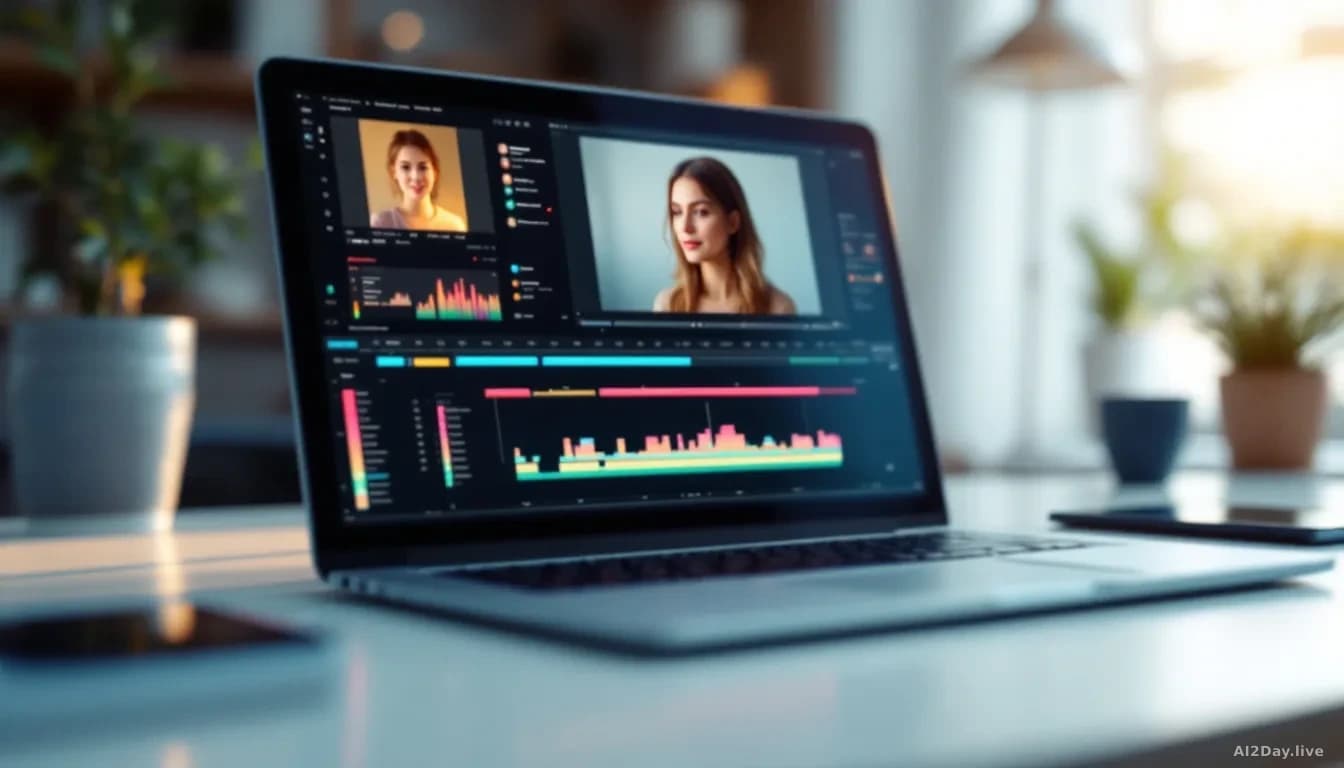
Two new features inside Google Vids, the company's video creation app, let you generate a clip from a written sentence and place a digital version of your own face into it. Google AI announced the update.
What can the new Google Vids actually do?
It can build a video from a few sentences and put a lookalike of you on screen without a camera. The first tool is Gemini Omni; the second is personal avatars.
Gemini Omni is powered by Google's video generation system, software that creates moving pictures from written instructions. Type what you want, add a photo or a rough sketch as a reference, and Omni matches the style or subject. Two inputs, one clip.
The editing side is where it gets interesting for anyone who's wrestled with video software before. Instead of dragging sliders, you chat. Ask it to swap a background or fix lighting, and it changes just that part without you starting from scratch. This works on Omni-generated clips and on ordinary phone footage.
Then there are personal avatars. Upload a selfie and a short voice recording, and Vids builds a digital stand-in that looks and sounds like you. Type a message and your avatar delivers it to camera. No hair fixing, no lighting rig, no take three.
Who gets to use it, and what does it mean for the rest of us?
Access is paid and limited. The features are available to Google AI Pro and Ultra subscribers and to Google Workspace business customers, the paid version of Gmail and Drive that companies buy for staff. Personal avatars are further restricted to users aged 18 or older in certain regions, and Google says each avatar is tied to the account holder's own likeness.
That last point matters. One of the real worries with a tool like this is deepfakes, videos that convincingly show a real person saying things they never said. Google's answer is twofold: avatars are locked to your own face and voice on your own account, and every generated clip carries a SynthID watermark, an invisible marker baked into the pixels that lets software confirm the video was AI-made.
A watermark you can't see isn't a magic shield. It only works if the platform showing the video knows to look for it. But it's a real, checkable signal, which is more than most consumer video generators offer.
We first covered Google Vids on 16 July 2026, in a week when Google was pushing updates across almost every product it makes.
Is this fun, or just efficient?
Honestly, both. Sending a personalised video message to a colleague without brushing your hair is a genuinely useful trick. So is fixing bad lighting by typing those four words.
The flip side is the one every creator will feel. When anyone can produce a finished clip in the time it takes to write a text, the value of any single finished clip drops. The videos that hold attention will be the ones with a point of view a machine can't guess.
For now, if you're on Google's top AI tier, you've got a new toy. Everyone else gets to watch what people make with it.