ChatGPT Can Now Turn Your Doodle Into a Photo
OpenAI's new Sketch tool lets you scribble inside ChatGPT and watch the AI turn your rough drawing into a polished image. A faster image engine comes along for the ride.
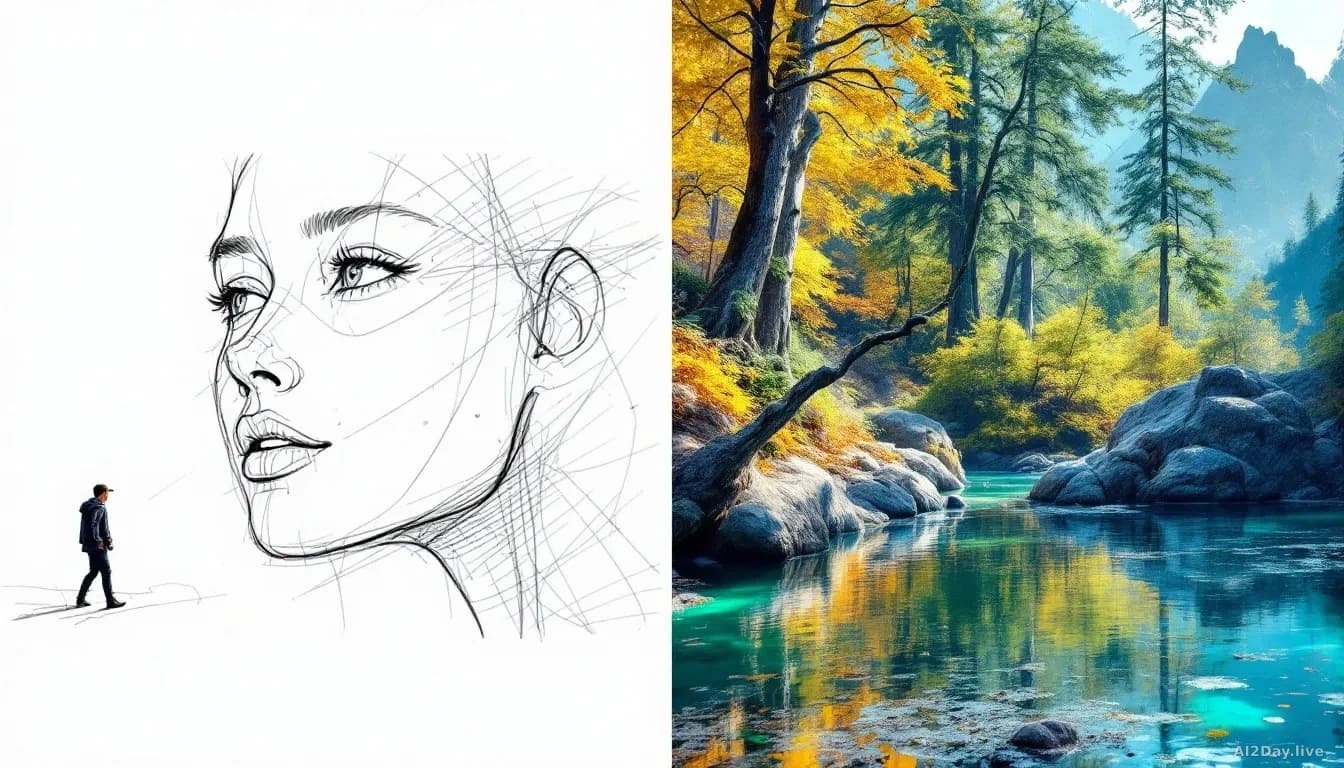
Key points
- OpenAI launched ChatGPT Images 2.5 on Tuesday, replacing Images 2.0 for generating pictures inside ChatGPT.
- A new Sketch feature lets users draw a rough shape inside the chat window and ask the AI to turn it into a finished image.
- OpenAI says image generation speed improved by up to 50 percent compared with Images 2.0.
- Users can now click directly on part of an image and leave a comment to request a specific change, such as swapping a colour.
- ChatGPT Images 2.5 is available now on desktop and web as well as mobile, for ChatGPT, ChatGPT Work, and Codex users.
Doodling into the chat box is the new way to tell an AI what you want to see.
OpenAI on Tuesday rolled out ChatGPT Images 2.5, an updated image-generation model, the technology that turns a text description into a picture. Two fresh features arrived with it, and both make the creative back-and-forth feel a lot less like filling in a form.
How does the new Sketch feature actually work?
Type @Sketch into the ChatGPT chat box and a small drawing window opens. Scribble anything inside it, add a text instruction, and the AI produces a finished image based on your rough shape.
The Verge's Jay Peters tested it briefly: he drew a cat using only a computer mouse, and the AI turned that wobbly sketch into a realistic photo. Your drawing doesn't need to be good. That's rather the point.
The second new trick sits alongside Sketch. Instead of typing a correction like "make the eyes green," you can click directly on the part of the image you want changed and leave a comment there. Peters used exactly that to swap his cat's eye colour from blue to green. It works like sticky-note feedback on a document, except the document is a picture and the editor is an AI.
What is actually better in Images 2.5?
The results arrive faster and look more detailed. OpenAI says the new model produces images with more natural lighting and richer textures, follows multi-step editing instructions more reliably, and cuts generation time by up to 50 percent against Images 2.0.
Fifty percent quicker is a meaningful jump when you're iterating through five or six versions of the same image to get it right.
| Feature | Images 2.0 | Images 2.5 |
|---|---|---|
| Sketch input | No | Yes |
| Click-to-comment edits | No | Yes |
| Generation speed | Baseline | Up to 50% faster |
| Lighting and texture quality | Standard | Improved |
Should ordinary users care?
Yes, if you've ever stared at a blank prompt box unsure how to describe what you want. Drawing a rough shape is easier than finding the right words, particularly for layouts or anything spatial.
For anyone already using ChatGPT's image tools, the speed lift alone makes it worth trying. Both features are live now at no extra tier cost for existing subscribers. Our earlier look at why AI food images so often go wrong shows how much the quality of these models still matters in practice: faster generation only helps if the output's actually usable.