Apple says its new always-on audio features never record you. Here is how.
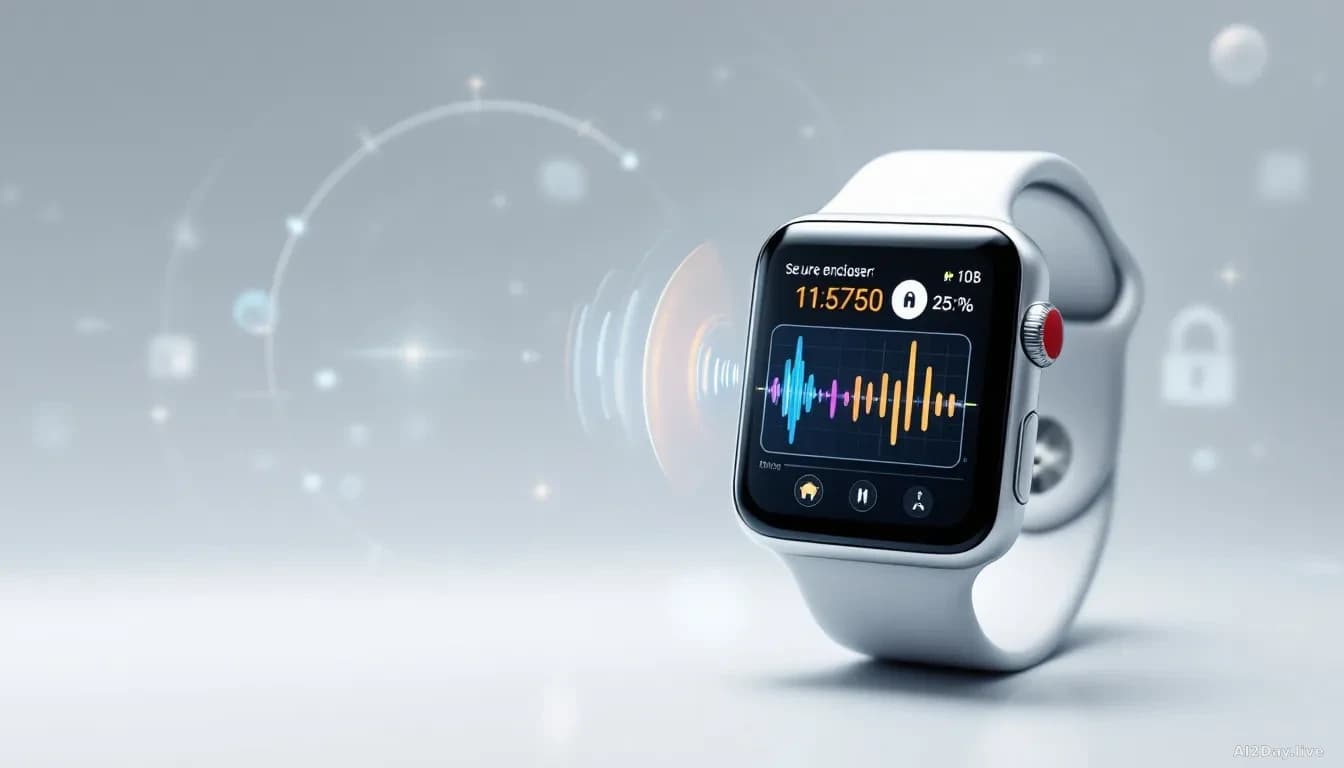
A dedicated security chip in the new Apple Watch processes your voice and sounds in a sealed compartment, then discards the raw audio instantly. Apple says even Apple cannot hear it.
Key points
- Apple announced four Audio Intelligence features at its iPhone Duo event: Siri Recap, Live Rewind, Sound Recognition, and Music Recognition.
- Raw audio is processed inside a dedicated hardware compartment on the S11 chip and is never saved as a file.
- Apple says the company itself cannot access the audio, and neither can apps nor the device's operating system.
- Users must actively trigger Live Rewind each time; it does not run automatically in the background.
- Any text that leaves the watch travels with end-to-end encryption, readable only by you.
Apple Watch has a new trick: it listens for speech and music all day long. The obvious question is who else can hear what it picks up.
At Wednesday's iPhone Duo launch event, Apple introduced a set of Siri features it calls Audio Intelligence. The four are Siri Recap (a short summary of recent spoken content), Live Rewind (a replay of what was just said), Sound Recognition (identifying sounds like alarms or a baby crying), and Music Recognition (naming a song). Alongside the launch, Apple released a technical document explaining how it handles the audio those features collect. Our earlier story on the privacy concerns those features raised went up the same day Apple published that document.
So is the watch recording everything I say?
No, and the reason is a piece of hardware called the Secure Exclave. Think of it as a locked room built into the S11 chip, the processor inside the new Apple Watch Series 12 and Apple Watch Ultra 4. Audio enters, gets analysed, then gets overwritten by the next slice of audio in a continuous loop. No audio file is ever written to storage.
Apple's document states the raw audio "is not accessible to the operating system, apps, or Apple." The watch's own software, watchOS, can't reach into that compartment. Apps can't either. Apple itself can't.
The key phrase is "continuously overwritten stream." The watch isn't silently building a recording. It's closer to a whiteboard wiped every few seconds before anything is written down.
What actually leaves the watch?
Text does, but only if you choose to keep it. Siri Recap and Live Rewind produce a written summary or transcript, and you decide what to save. If that text syncs to your iPhone, it travels through an encrypted tunnel between the Secure Exclaves on both devices.
For that sync to work with iCloud, you need a device passcode and iCloud's two-factor authentication, a security setting that requires a second confirmation before anyone can log in. With both active, the text is end-to-end encrypted: Apple's servers carry it but can't read it.
Live Rewind isn't passive. You must double-tap the Digital Crown, the small dial on the watch's side, every single time you want it to activate. It won't replay audio you didn't ask it to replay.
What does this mean for me?
If you buy an Apple Watch Series 12 or Ultra 4 and switch on Audio Intelligence, you're not handing Apple a live feed of your conversations. The design Apple describes keeps audio inside dedicated hardware and discards it before it can become a recording.
What Apple can't guarantee is everything else. How reliably does the chip enforce that boundary? What might a future software update change? Independent security researchers haven't audited the system. This is a company claim, not a peer-reviewed finding. That distinction matters, and it's one worth keeping in mind as these features roll out to millions of wrists.
For now the practical steps are straightforward: keep your device passcode active, keep two-factor authentication on for iCloud, and check which Audio Intelligence features you've enabled in settings.